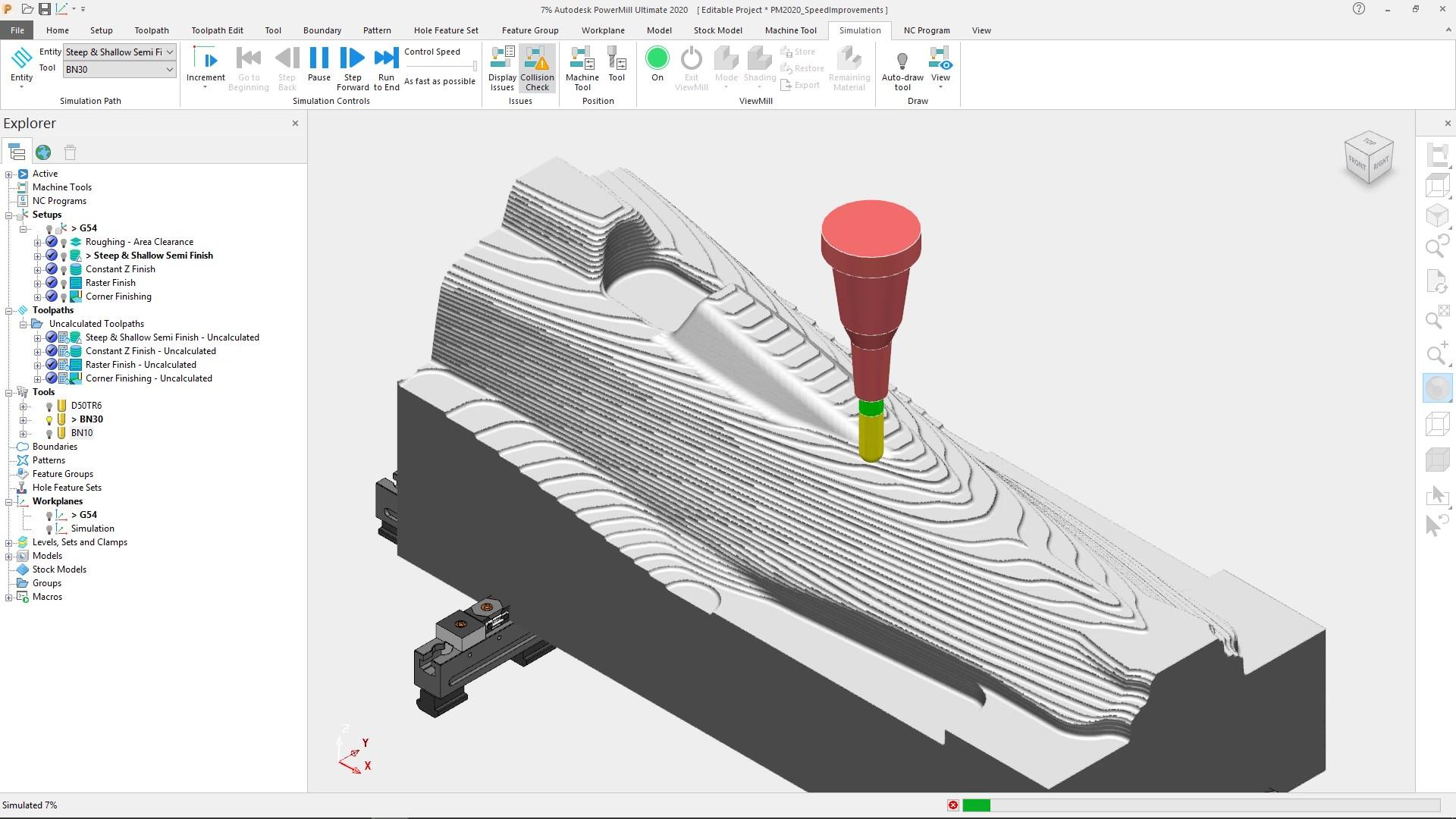
Delcam Programming Training
Advanced CAM Programming with PowerMill Machining Strategies
Learn advanced CAD/CAM principles, 3D mold & die toolpath creation, high-speed roughing, and precision finishing strategies using Delcam / PowerMill.
Important Notice:
Delcam / PowerMill software concepts are taught on standard training setups. Specific product versions confirmed during enrollment.
Course Overview
Delcam (PowerMill) is the premier CAM solution for complex 3D dies, molds, and aerospace components. This course covers model preparation, workplanes, stock boundary definition, 3D roughing clearance, high-speed finishing strategies, collision avoidance, and NC program output.
Key Highlights & Outcomes
Comprehensive Course Syllabus
4 ModulesModule 1: Introduction to Delcam & PowerMill Environment
- •PowerMill interface layout, explorer tree, and command bar
- •Importing CAD solid and surface models (.STEP, .IGES, .X_T)
- •Workplane creation: Transform, orient, and multiple coordinate setups
- •Block / stock definition: Box, cylinder, and triangular mesh
Module 2: Tooling & Boundary Management
- •Tool creation: End mills, ball nose, bull nose (tip rad), and tapered cutters
- •Tool assembly definition: Shanks and tool holders for collision checks
- •Creating boundaries: User-defined, selected surface, silhouette, and shallow
- •Boundary editing and limiting toolpath regions
Module 3: 3D Roughing & Semi-Finishing Strategies
- •Model Area Clearance (Raster, Offset, and Vortex high-speed roughing)
- •Rest roughing strategies using stock models
- •Stepdown and stepover calculations based on tool geometry
- •Lead and link settings for smooth cutter engagement
Module 4: 3D Finishing Strategies & NC Output
- •Constant Z finishing for steep sidewall surfaces
- •Raster and 3D offset finishing for shallow surface contours
- •Corner finishing and pencil milling for intricate fillets
- •Toolpath simulation, gouge checking, and generating NC code for machine controllers
Who Should Take This Course?
Join This Program
Contact JAYRISH ENGINEERING to verify fee structure, available batch timings, and seat availability.
Related Training Programs
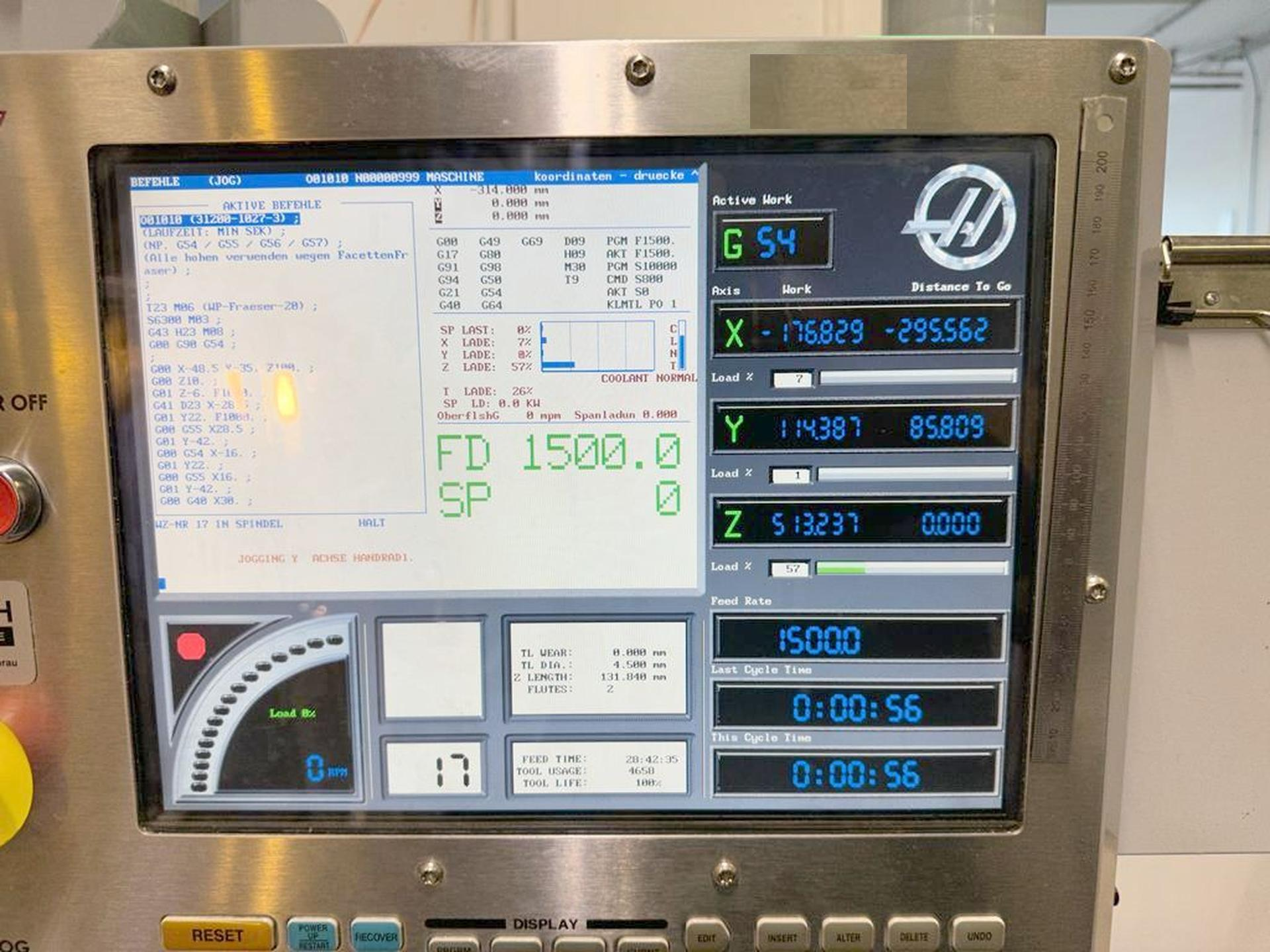
VMC Programming Training
Professional Manual Programming for 3-Axis Vertical Machining Centers
Understand VMC milling programming, coordinate work offsets, drilling canned cycles (G81-G89), circular pocketing, face milling, and cutter radius compensation.
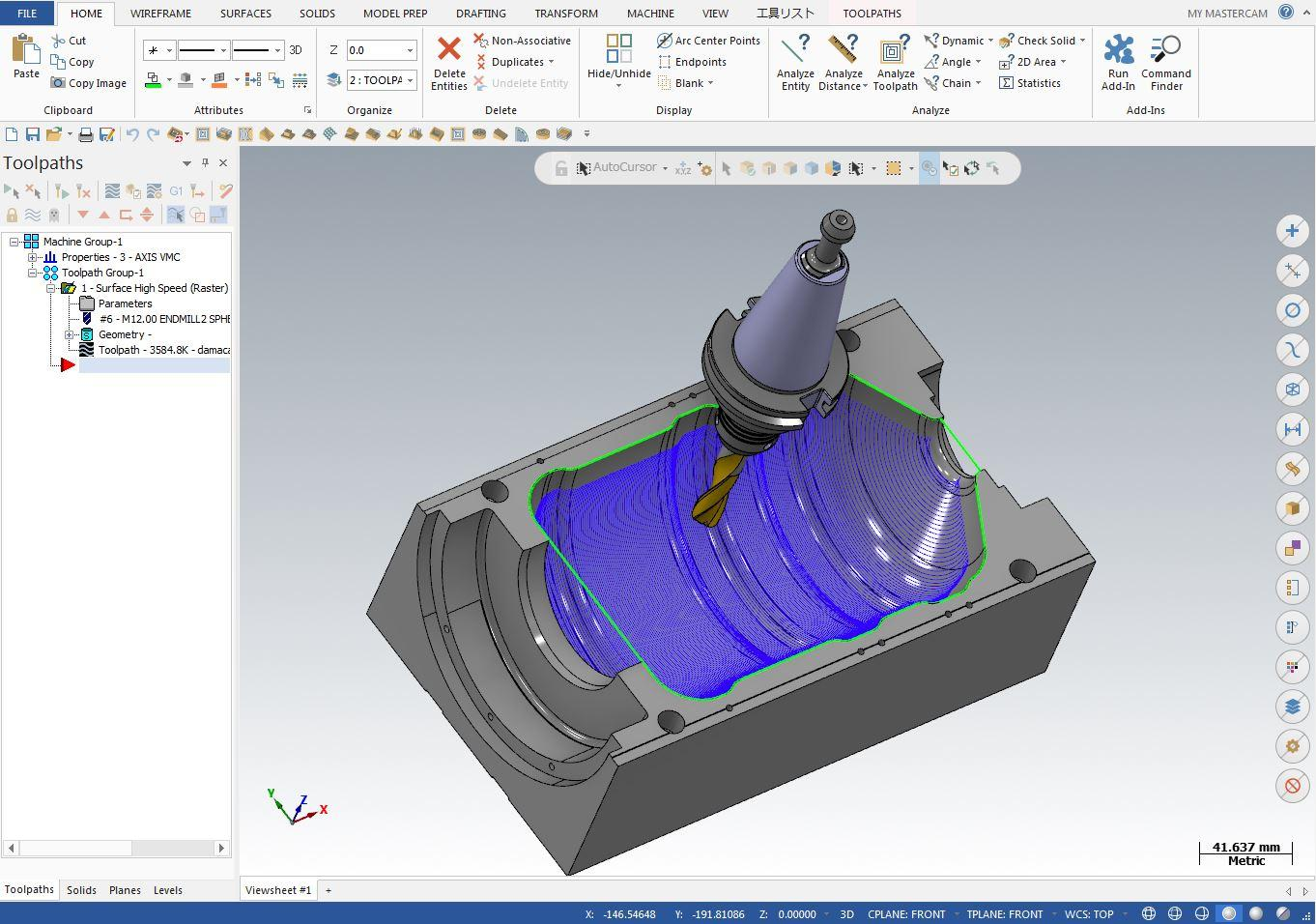
Mastercam 2D & 3D Training
Industry-Standard CAD/CAM Modeling & Multi-Axis Toolpath Generation
Develop CAD/CAM expertise using Mastercam. Learn 2D geometry creation, 3D surface modeling, milling toolpaths, simulation, and NC post-processing.
AutoCAD Training
2D Mechanical Drafting, Engineering Drawings & Geometric Dimensioning
Master 2D mechanical drafting in AutoCAD. Learn technical drawing standards, orthographic views, sectional details, geometric dimensions (GD&T basics), and plotting.